
It is run by an organisation whose community you want to hire from. You post your roles yourself and receive applications directly to review and hire
A training provider, industry body, membership organisation or fund, branded to them.
The people who see your role are already connected to that organisation.
No intermediary. Your roles, your applicants, your hiring decision.
Read more about what Spacewalk does for the organisation running the board or see job boards run by education and training providers, career services organisations and communities.
Spacewalk matches every new role against the talent pool and instantly notifies the members whose skills and preferences fit it.
Every role carries structured skills, location and work type details that feed the board's filters.
Everyone who sees your role has a connection to the organisation running the board.
Receive them in Spacewalk or send applicants straight through to your own application system.
Accept your invitation, update your company profile and add fellow admins.
Add it yourself or paste a link. Choose where applications go.
Matched members are notified and apply. Review with your team and hire.
Want every step with screenshots? Read the employer guide, which starts with a 90-second video.
Those boards are built for the mass market. A careers hub job board works the other way round.
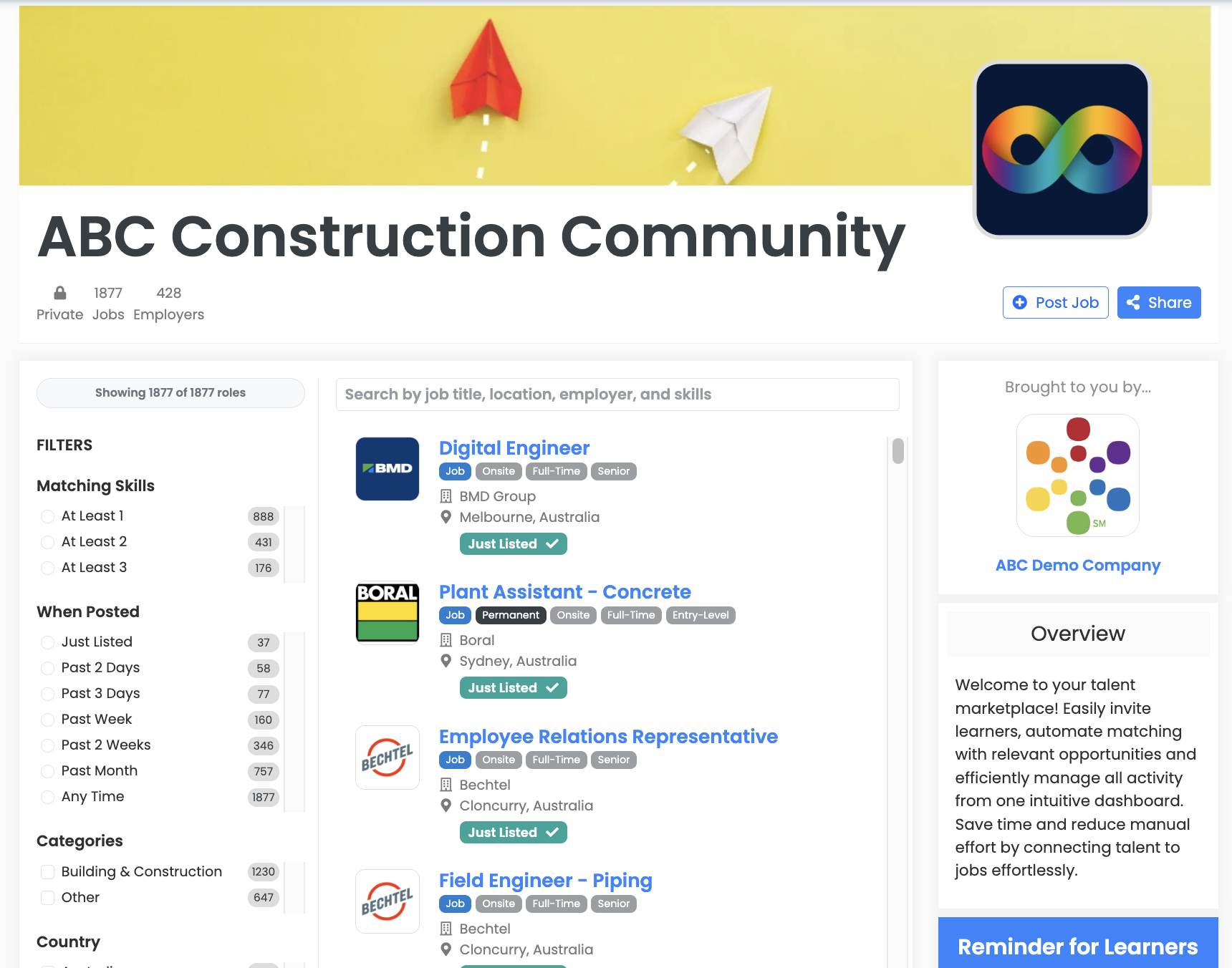
Choose how you want to create each role. Both methods unlock the same features and you can post any role type, from permanent and fixed-term through to contract, casual and short briefs.
A structured form with core information, role types, skills picker, payment range, screening questions and visibility controls. Save drafts or publish instantly.
Paste any role URL and the importer pre-fills the title, description, skills, location, type, hours and experience level. Review, tweak, publish. Available where the organisation has enabled it.
Whichever method you choose, every posted role unlocks:
Some of this depends on how the organisation has configured its board, so what you see may differ a little from one board to the next.
Search your talent pool and contact suitable people directly, without posting a role.
You are notified as soon as someone applies, and you review with your team rather than in your inbox.
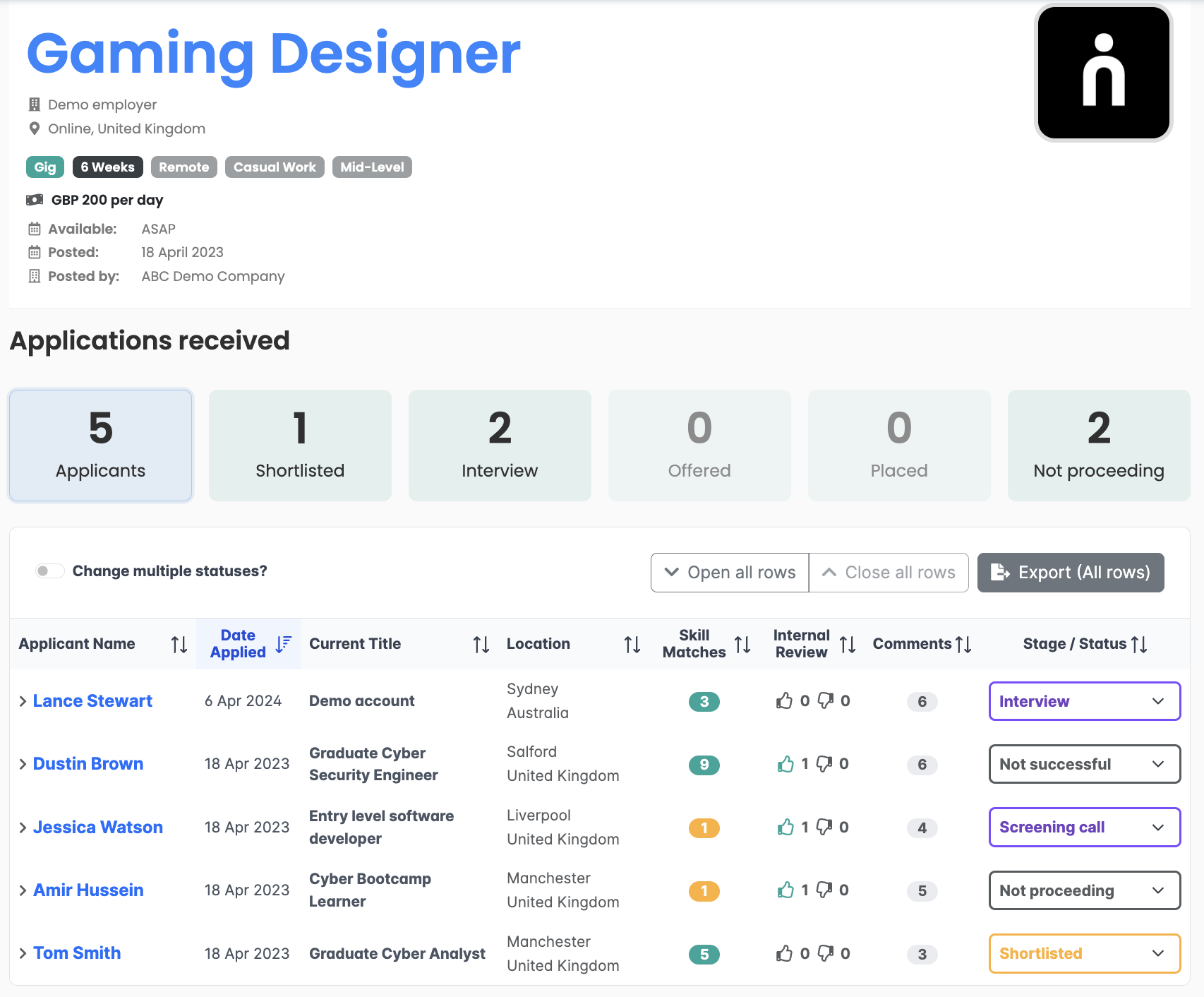
If you already use an ATS you can use it too:
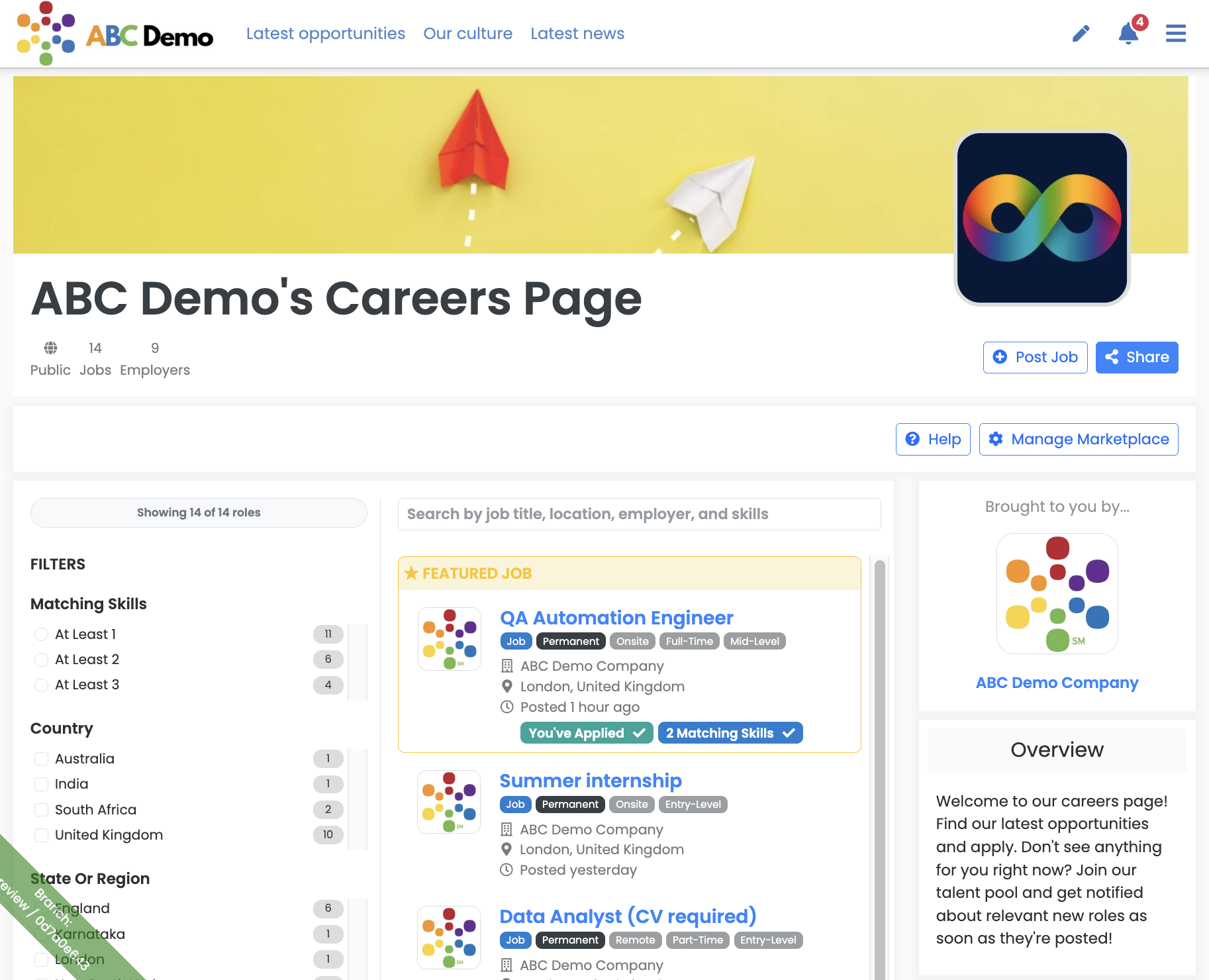
On most careers pages visitors who don't apply just leave.
On a Spacewalk-powered careers page visitors can also join your talent pool, to get instantly notified about roles.
This is all available on our Starter plan, which includes unlimited admins.
Each organisation sets its own terms for the board it runs, so some invite employers to post at no charge and others charge a posting fee. Check with the organisation that invited you. Spacewalk takes no share of any posting fee the organisation charges.
That depends on how the organisation has set up its board. A board can be public, private or invitation only, and you can also set access controls on an individual role, including requiring board membership to view it.
Yes. Employers on a board manage their own staff, so you can add colleagues to join as admins, post roles and review applicants alongside you. You can invite unlimited admins.
Yes. Put your own application form or ATS link in the role's Apply link and applicants go straight there to apply. Applications submitted on your own system stay on your own system.
You keep them. Closing a role does not remove its applications, so you still have access to every applicant and their details for that role.
Yes. A Spacewalk board can be your own branded careers page, linked from your website, listing all your vacancies and taking applications, with the added benefit that interested people can join and become a candidate talent pool. This is covered by the Starter plan.
If an organisation has invited you to its board, accept the invitation and post your first role. If you want your own careers page, start a free trial or talk to us.